A message about a college account can reach the whole family before anyone verifies it. A student forwards an urgent email. A parent searches for a payment link. A relative offers to call the number in the message. Each person is trying to help, but the group may be repeating instructions from the same unverified source.
Create a family habit of pausing before acting on unexpected requests. This guide applies to messages that claim to concern Utah CIS or University business. It is independent safety guidance, not a security service. We do not check private messages, accept credentials, or operate an account-recovery form.
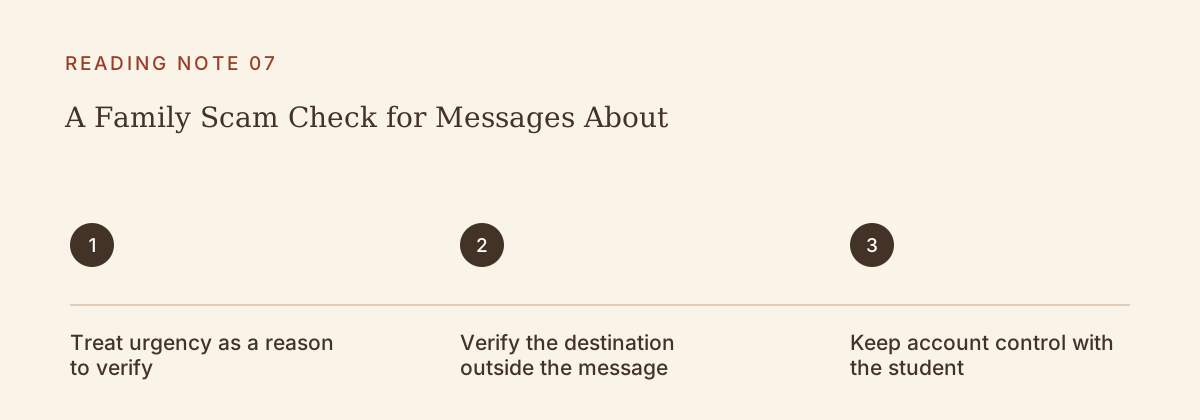
Treat urgency as a reason to verify
A claim that an account will close or money must move immediately can create pressure to skip ordinary checks. Start by asking what the message wants you to do. Is it asking for a password, a code, a payment, a document, or a change in communication channel? Naming the requested action helps the family see the risk clearly.
Do not decide that a message is genuine because it contains the student’s name, a familiar logo, or a convincing explanation. The University’s security materials describe impersonation and deceptive links. A message can sound relevant without coming from the office it claims to represent.
A real time-sensitive issue should still be checked promptly. Verification is not an excuse to ignore it. The safer approach is to use an independently found official route, rather than the phone number, reply address, or link supplied by the suspicious message itself.
Verify the destination outside the message
Begin from an official University page you already know or independently locate. Find the relevant office there and ask about the claimed instruction. Do not let a search advertisement, forwarded screenshot, or copied payment address become the final authority merely because it appears first.
When following an official page to a service, pay attention to the destination and purpose. An outside provider may be legitimate, but its appearance in a message alone does not establish that relationship. Use the official University route to verify it. A familiar-looking page or encrypted connection does not by itself prove that the page belongs to the intended service.
If the supporter cannot verify the request, let the student use the official help route for their account. Avoid turning uncertainty into a family experiment with several people entering information on different pages. One careful verification is more useful than several uncoordinated attempts.
Keep account control with the student
A supporter should not ask the student to approve an authentication request so the supporter can “check something.” The University’s cybersecurity basics page prohibits sharing assigned accounts and gives guidance for unexpected authentication requests. Use the current official instructions when a prompt appears that the student did not initiate.
Consent verification and account authentication are different contexts. Do not move a FERPA PIN, a login password, or a one-time code into a group chat because someone calls it a “college verification code.” Ask which official process is involved. If the purpose is unclear, stop and verify rather than guessing.
A family can still help with the surrounding task. A supporter can sit nearby while the student reads official guidance, help identify what happened, or help organize questions for the help desk. None of that requires the supporter to receive the student’s password or operate the student’s account.
Watch for a chain of believable requests
University IT described multistep attacks in March 2025 that combined email, fake webpages, forms, and text messages. The lesson for families is to evaluate the whole sequence, not just the first message. A later request may look plausible because an earlier step already created a sense of familiarity.
For example, an invented scam might begin with a message about an account issue, continue with a form asking for contact details, and end with a call asking the student to approve a prompt. The call is not independently trustworthy simply because it refers to the form the student completed. Every step could be part of the same deception.
Be especially cautious when the instructions move to a different channel or ask someone else in the family to finish the process. That handoff can make the second person assume verification has already happened. State clearly what has and has not been checked before forwarding any request.
Respond calmly if someone already acted
If a student says they entered information or approved something questionable, start with practical questions rather than blame. What action occurred, on which service, and what information may have been involved? Avoid asking them to repeat a password or secret code in the conversation. The purpose is to identify the appropriate official response.
Follow current University security guidance promptly for a suspected account compromise. Use independently verified official support. If payment information or money may be involved, the account holder should also contact the relevant financial provider through its established route. This guide cannot determine whether an account is secure or a transaction can be reversed.
Do not send more money or information because someone promises to recover what was lost. Recovery claims require the same independent verification as the original request. Keep the family focused on official assistance rather than searching for a shortcut while everyone is anxious.
Agree on one simple family rule
Choose a rule that is easy to remember: before acting on an unexpected college request, verify it through an official route outside the message. Tell relatives that a pause is welcome, even when they are trying to help quickly. A student should be able to say “I am checking this first” without being treated as uncooperative.
After a suspicious message is handled, update the family’s habits without circulating the private details widely. Learn which step created confusion and how to avoid it next time. The goal is not to make everyone afraid of every email. It is to preserve a short, reliable verification step when a message asks the family to trust it with access, records, or money.
Official source: Information Security Office: Scam tactics
Official source: UIT: Sophisticated, multistep phishing attacks use common tactics
Official source: Information Security Office: Cybersecurity basics